Make your first shelf talker
A shelf talker is the small card that hangs from the shelf edge below a bottle. Here's how to make one from start to finish.
- Tap the house at the bottom of the screen. This is your home screen.
- Each row is a style of shelf talker. Swipe a row sideways to see more designs.
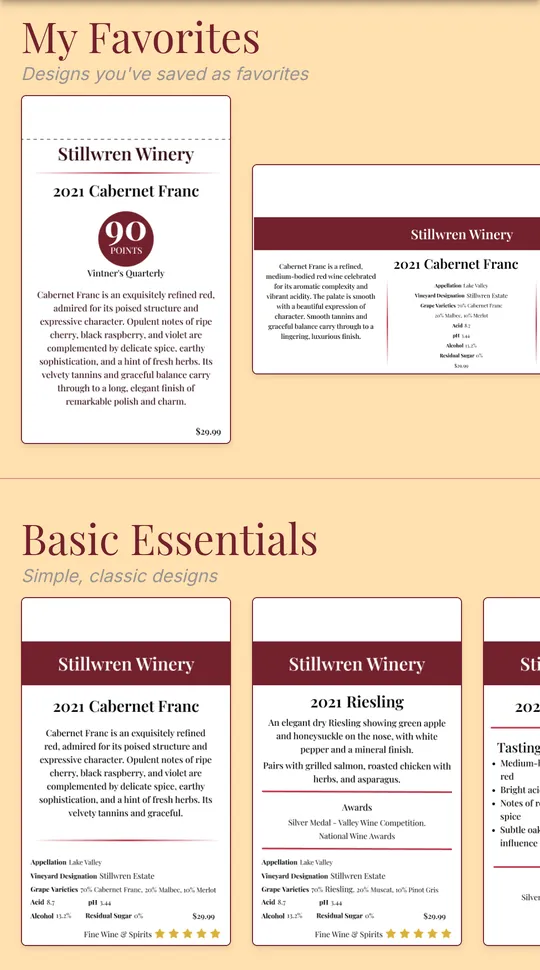
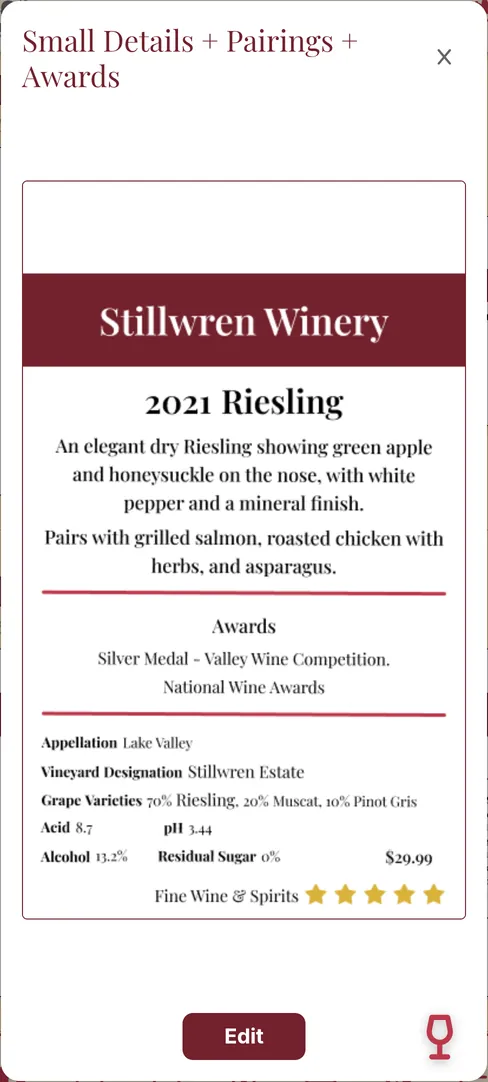
- Tap a design you like, then tap Edit.
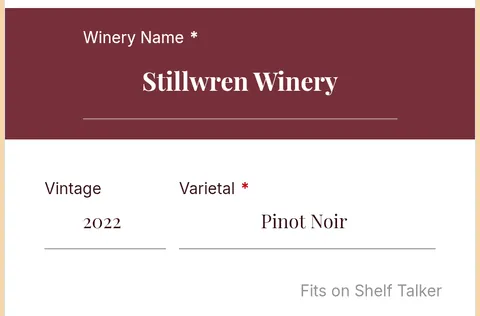
- Fill in your wine: the winery, vintage, varietal and anything else the design asks for. Fits on Shelf Talker under a box means the words will fit when printed.
- Scroll down and tap Preview to see the card the way it will print. Tap the back arrow at the top to keep editing.
- Tap Save. The first time, give the design a name so you can find it later, then tap Save again.
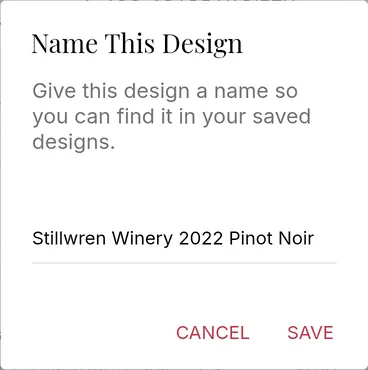
- To print, tap Preview, then tap the printer button. Print one card or a whole batch explains the choices.
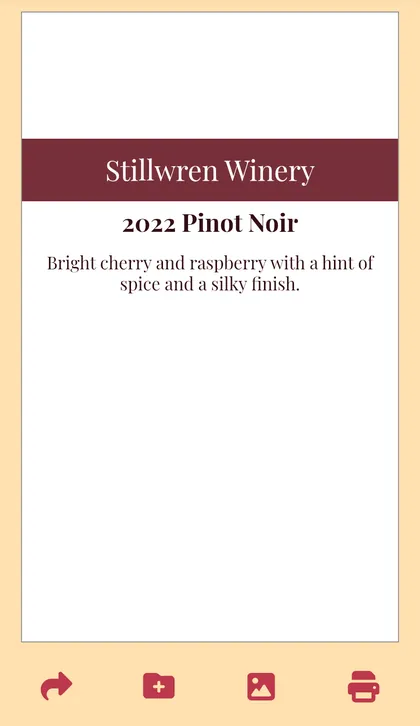
The fold line: every shelf talker has a dashed line one inch from the top. That's where you fold the card so it hangs over the shelf edge. Keep your words below it.
A design with a lock on it isn't part of your plan. Your saved designs live behind the floppy disk at the bottom of the screen.
Still stuck? Contact support