Contact support
A real person reads every message, and we reply to most within one business day.
From the app
- Tap your round photo at the top left of the screen.
- Scroll down and tap Contact Us.
- Choose Report a problem, Suggest a feature, Give feedback or Privacy / data request.
- Fill in the boxes. For a problem, a screenshot helps: tap Choose Files to add up to 5.
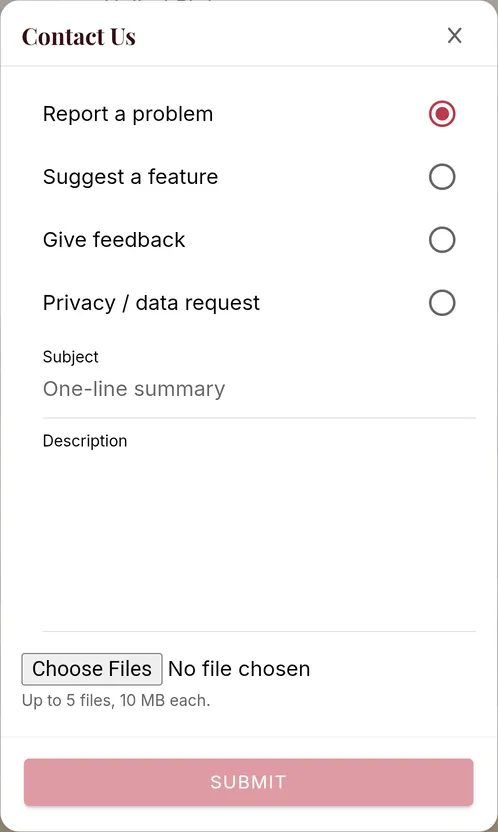
- Tap Submit.
By email
Write to support@shelftalkerapp.com. It helps if you include:
- the email address on your account
- the phone or computer you use
- what you expected to happen, and what happened instead
- a screenshot, if it's something you can see
Still stuck? Contact support